How does Lapmin help with my child’s schoolwork?
Lapmin explains what a child asks about, but the child works out the maths and writes the text they hand in themselves. The teacher starts and ends the lesson and sees when a child asks for help.
Will AI do my child’s schoolwork?
A child can ask a question and get an explanation. In maths, Lapmin asks for the next step; in a writing task, it gives feedback on the child’s own text.
See how Lapmin helps with schoolwork
What is the teacher’s role in the lesson?
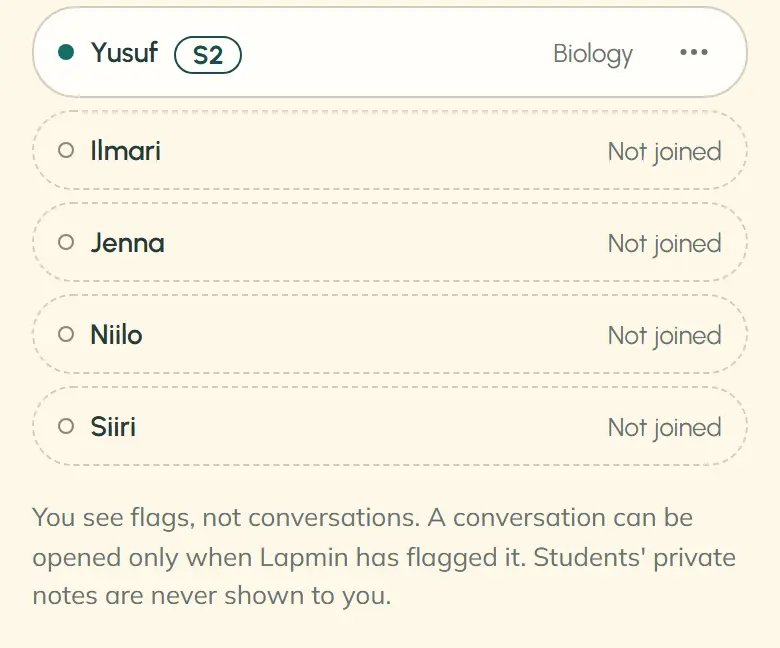
The teacher oversees how Lapmin is used. They can open a conversation only if Lapmin has flagged it. They cannot see other conversations.
Read about the lesson and the “Needs you” listWhat information about my child is stored?
Children do not need their own accounts. When joining a lesson, they choose their name from the teacher’s class roster. Lesson conversations are deleted when the lesson ends; the class roster remains.
Read the privacy noticeWho can see my child’s Notes?
Only answers the child chooses to save appear in their Notes. They can read them in a later lesson or delete them. The teacher cannot open a child’s Notes.
Read about students’ Notes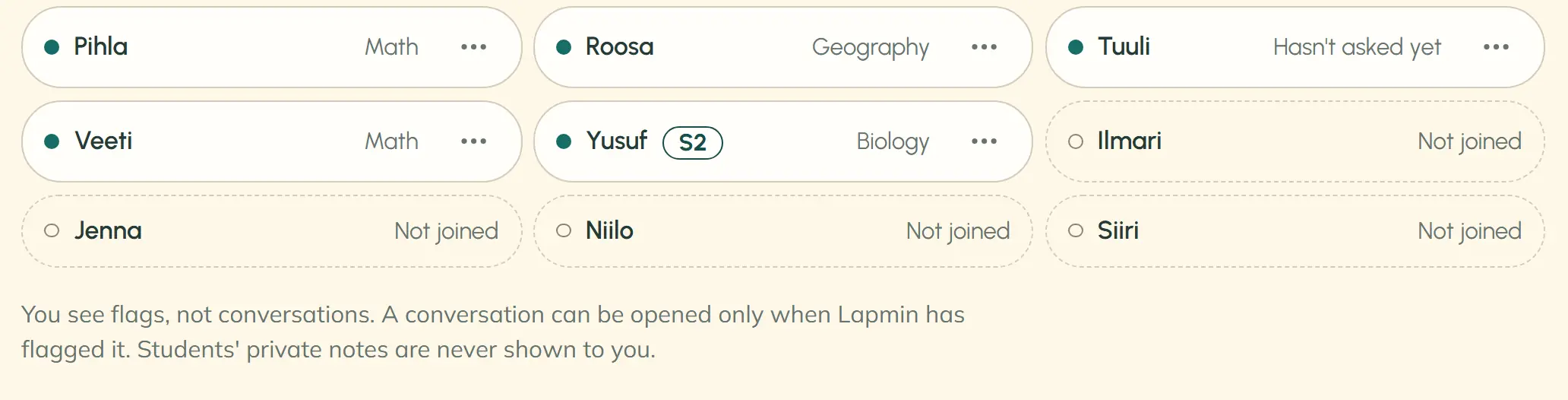
Ask your school
Ask whether your school plans to use AI, what it would be used for and how the teacher would be involved. The school decides whether to use Lapmin. You can also send Lapmin a question using the form below.
Interested?
Your message goes to team@lapmin.com, and we’ll reply by email. We can then arrange a demo or a pilot.