Teachers can see who needs help
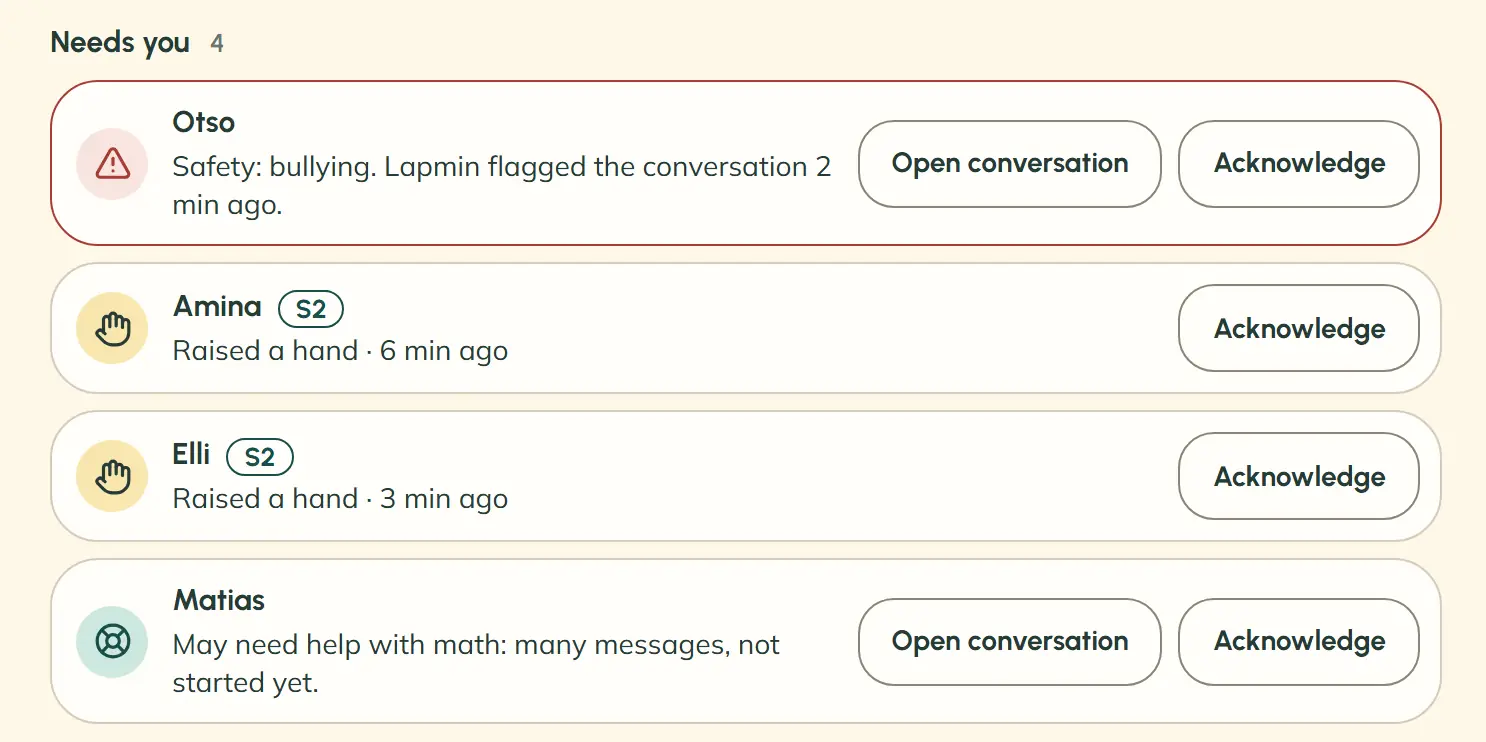
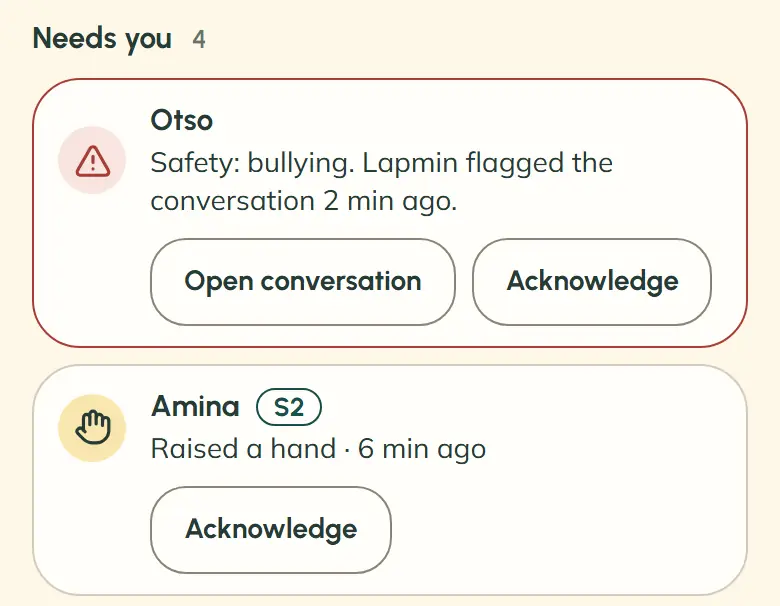
The “Needs you” list gathers raised hands and Lapmin’s flags, so teachers don’t have to check every screen.
See how a lesson worksLapmin brings teacher-guided AI into lessons, moderates students’ messages and replies briefly at a level they can follow.

See how a lesson works, what teachers see and how OpeAI helps.
Explore the teacher toolsSee what your school gets, how Lapmin maps to Finland’s national curriculum and how to arrange a pilot.
Read about pilots and data privacyHow Lapmin helps children solve a task themselves.
See what your child seesPrivacy and safety
The “Needs you” list gathers raised hands and Lapmin’s flags, so teachers don’t have to check every screen.
See how a lesson works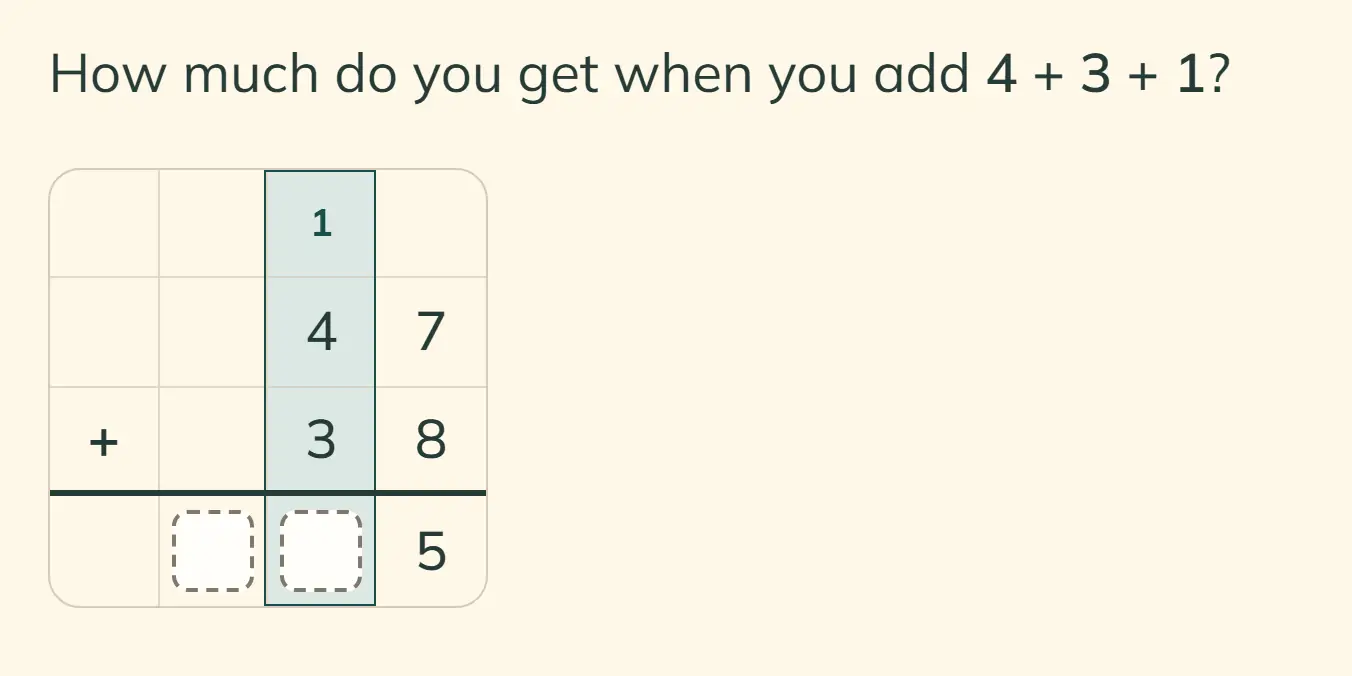
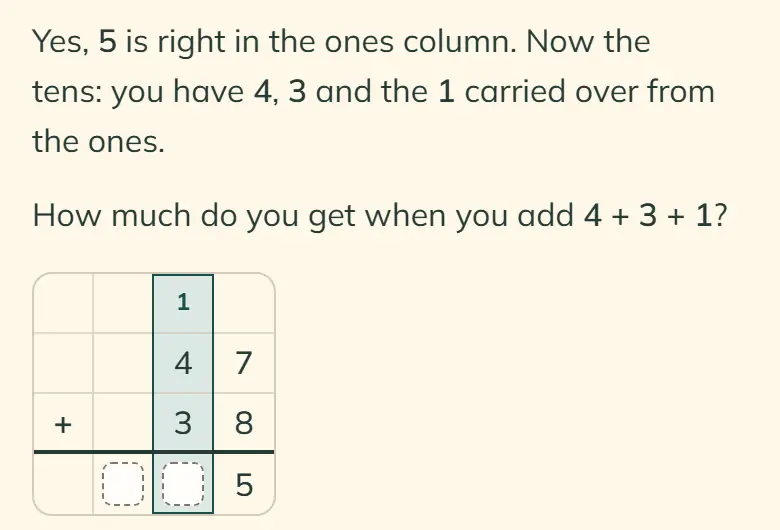
Lapmin can draw a column grid for addition, subtraction and multiplication, then ask the student for the next step.
See how Lapmin guides maths work
Students work out the maths and write the text they submit. Lapmin answers factual questions directly.
See how Lapmin guides students through tasks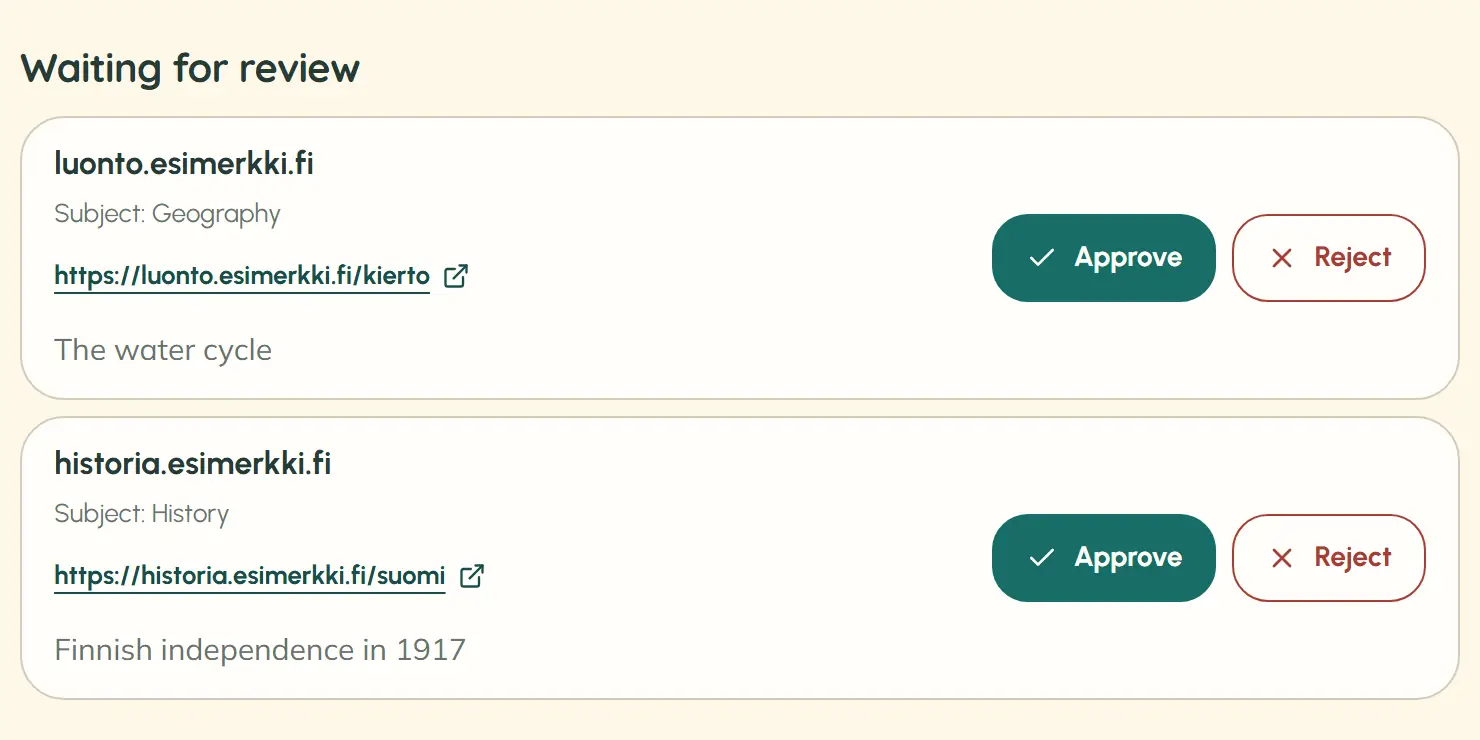
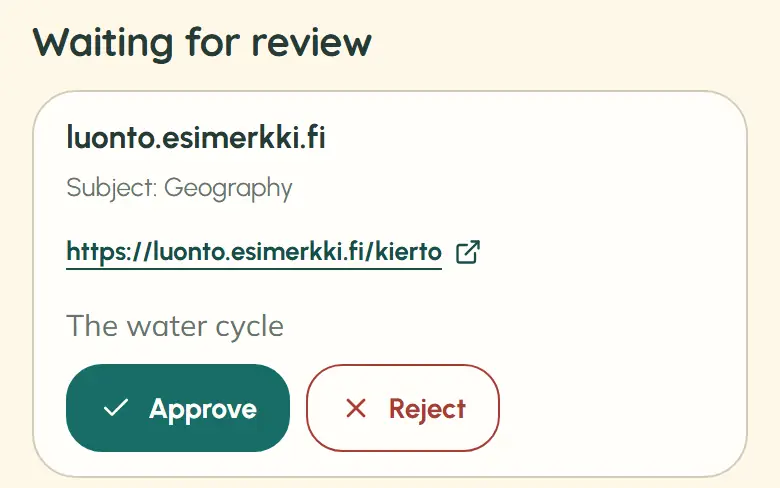
Lapmin does not invent sources. New sites it uses are then placed in a queue for teachers to review. When an answer shows a source, students can check where the information comes from – AI literacy in practice.
Read about sources and their reviewOpeAI is the teacher’s own AI chat and helps with lesson planning, among other things.
Teachers set each class to grades 1–6 or 7–9, and Lapmin adapts its answers.
For S2 students, Lapmin uses everyday words and explains key concepts.
Students save answers in their private Notes, which teachers cannot see.
Lapmin uses the same kind of language model found in general-purpose AI apps. Around it, separate AI functions and rules moderate students’ messages and limit sources. The result is a space where teachers lead lessons while students ask questions and study.
What matters is how AI helps. In a study, AI that gave complete answers raised practice scores but lowered scores on a later test taken without AI. With AI that gave hints, practice scores rose and no decline in test scores was observed.
Read the researchSource: Bastani et al. 2025, PNAS · nearly 1,000 students, mathematics
No. Lapmin explains and guides, but students provide the solution and write the text they submit. It answers factual questions directly.
No. An OpenAI language model produces Lapmin’s answers, but students do not use the model directly. Lapmin’s own rules control what it may write, how far hints go and which sources students see.
Only if Lapmin has flagged a conversation. It flags one if a message raises a safety concern, a student sends several messages about the same topic without getting started, or the conversation repeatedly drifts away from schoolwork. The teacher can then open that one conversation. A raised hand does not open it, and teachers never see students’ Notes.
The school’s education provider is the controller; personal data is processed under the GDPR and the database is in the EU. Data sent to Lapmin is not used to train AI models. Lapmin is built in line with the EU AI Act and supports learning without giving grades.
Finnish is Lapmin’s main language. In Swedish and English, it assumes the student is learning the language and replies at a language learner’s level. The aim is to later answer students at Swedish-language schools in their mother tongue too. The interfaces are available in all three languages.
Your message goes to team@lapmin.com, and we’ll reply by email. We can then arrange a demo or a pilot.