OpeAI for teachers
Your own AI assistant for lesson planning
OpeAI helps teachers plan lessons and use Lapmin. It can also draft material, draw diagrams and answer other questions.
When writing in Finnish, OpeAI uses terms familiar from Finland’s national core curriculum for basic education, Finnish National Agency for Education materials and Finnish textbooks. Where Finnish has no established term, it describes the activity in plain Finnish.
OpeAI draws diagrams directly in its replies. It can draw flowcharts, timelines, mind maps, pie charts, bar charts and line charts. Replies can also include tables and calculations.
OpeAI answers questions about using Lapmin, too. It knows the basics: how students join a lesson, what Lapmin does with students and what appears in the teacher’s view.
How a chat with OpeAI works
- 1
The teacher opens OpeAI
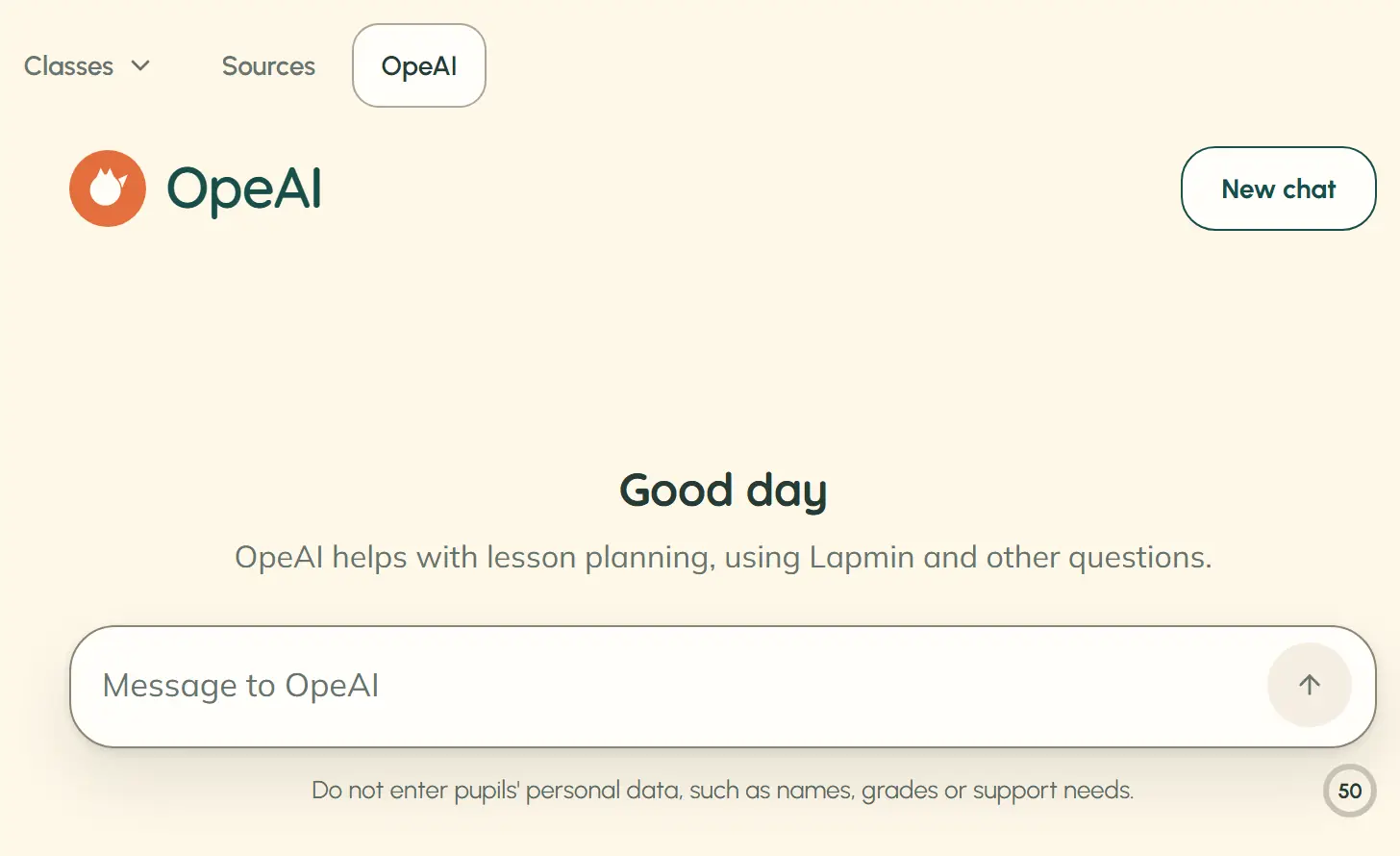
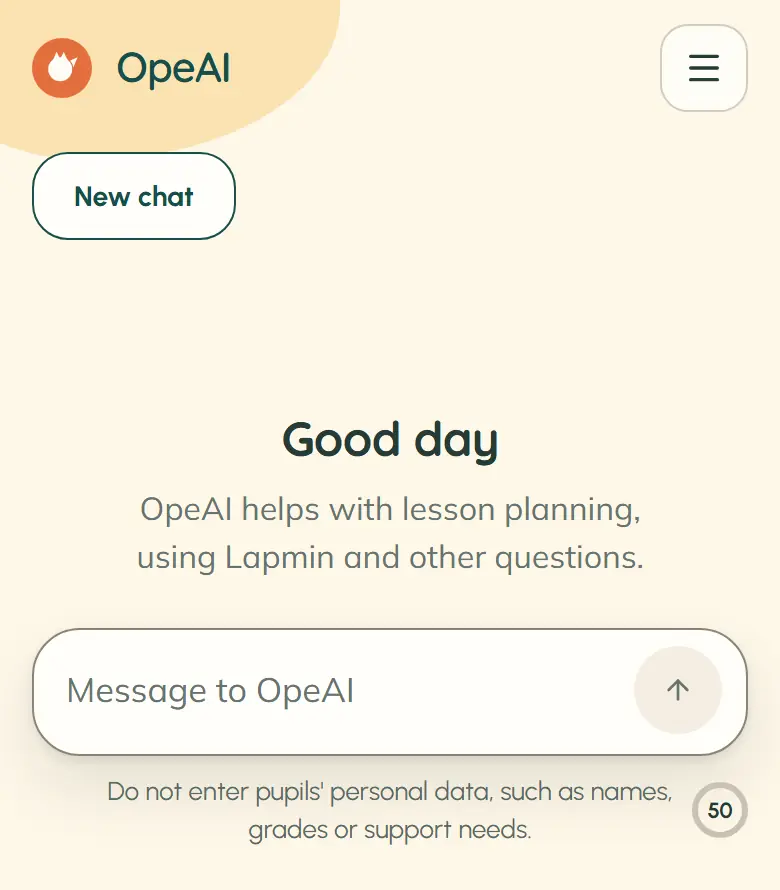
OpeAI appears after “Sources” in the teacher view menu. A new chat opens with a greeting and an empty message box.
- 2
OpeAI replies and searches the web when needed
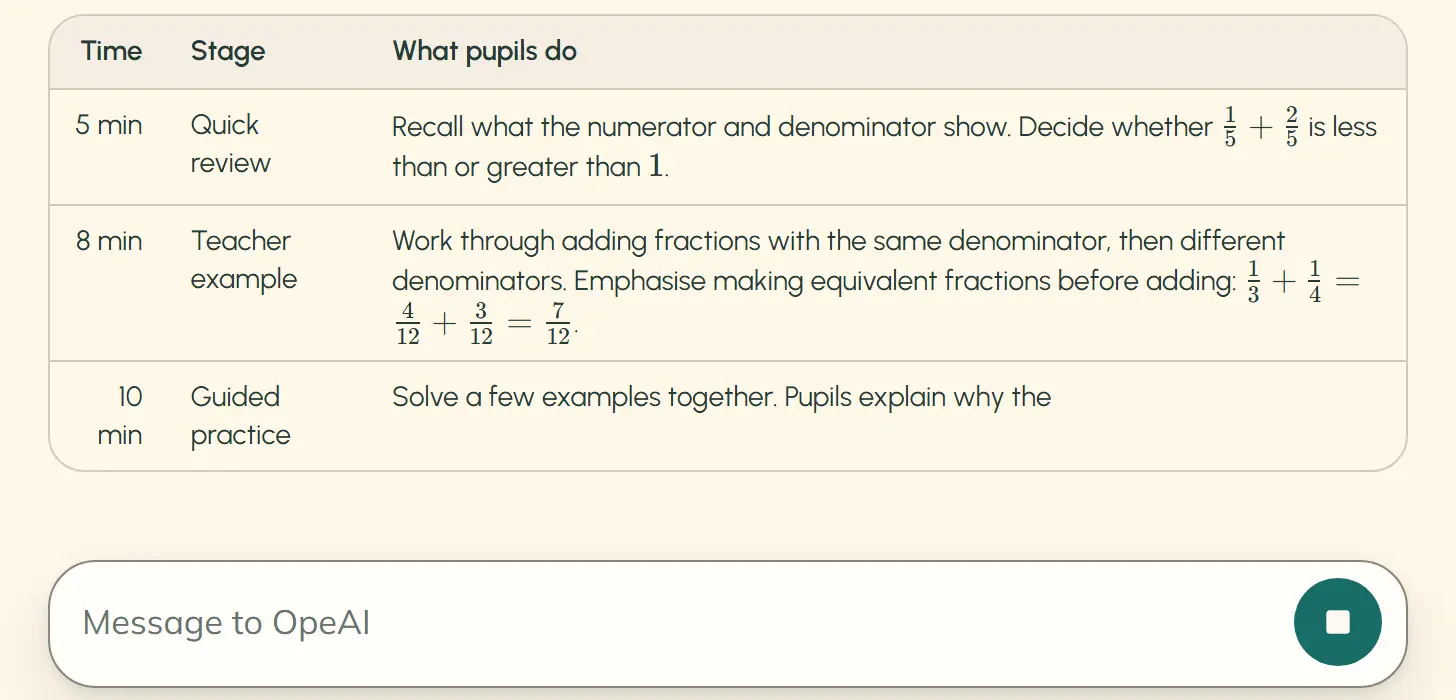
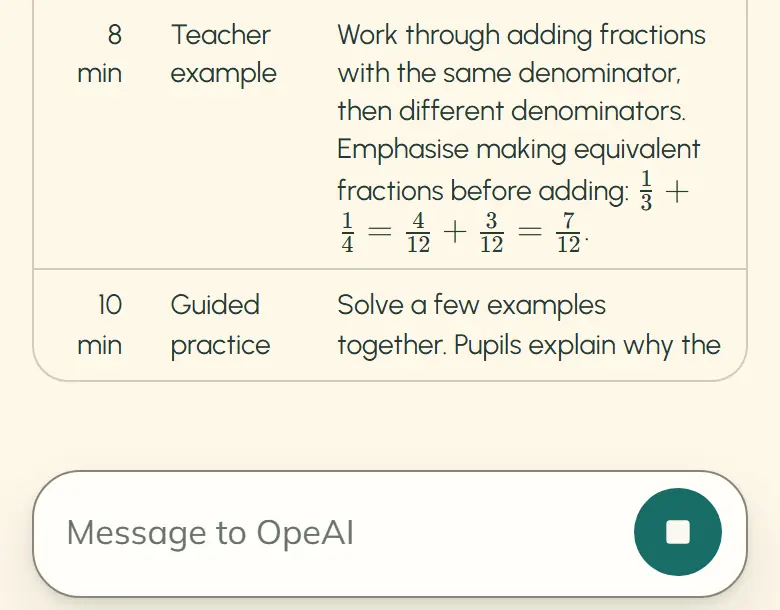
OpeAI replies in the language the teacher writes in. The answer appears as it is written and can be stopped. When OpeAI searches the web, source links appear below its reply.
- 3
The chat is saved in a list
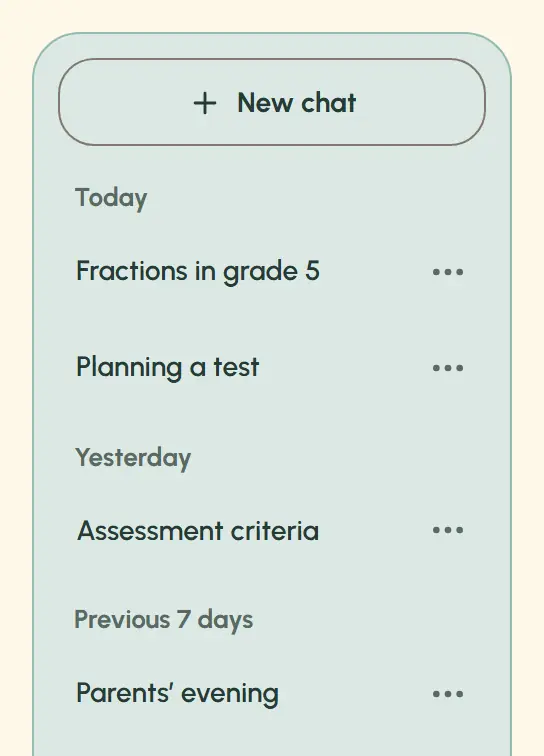
The chat gets a name based on the first question. The teacher can rename or delete it. Only that teacher can see their saved chats. When a chat continues, OpeAI takes earlier messages in it into account.
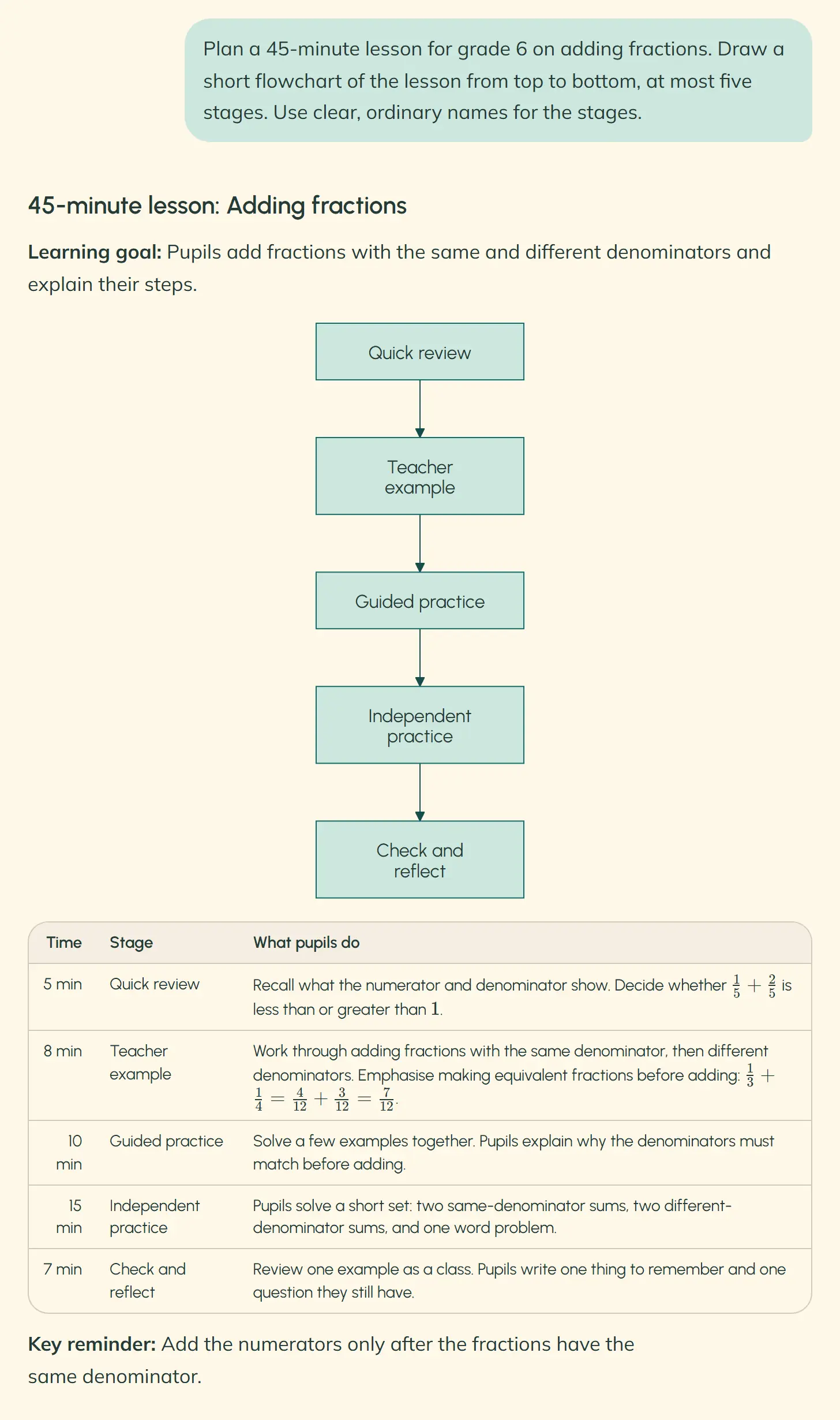
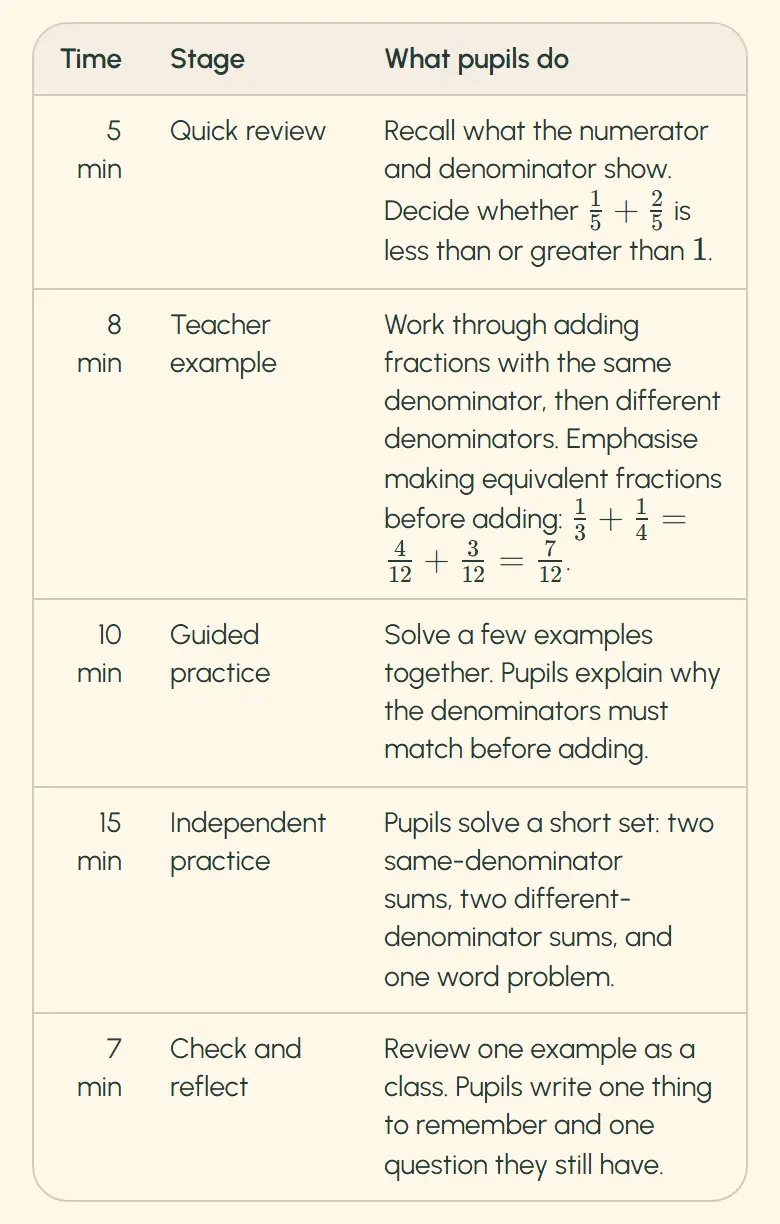
An OpeAI reply with a table and flowchart
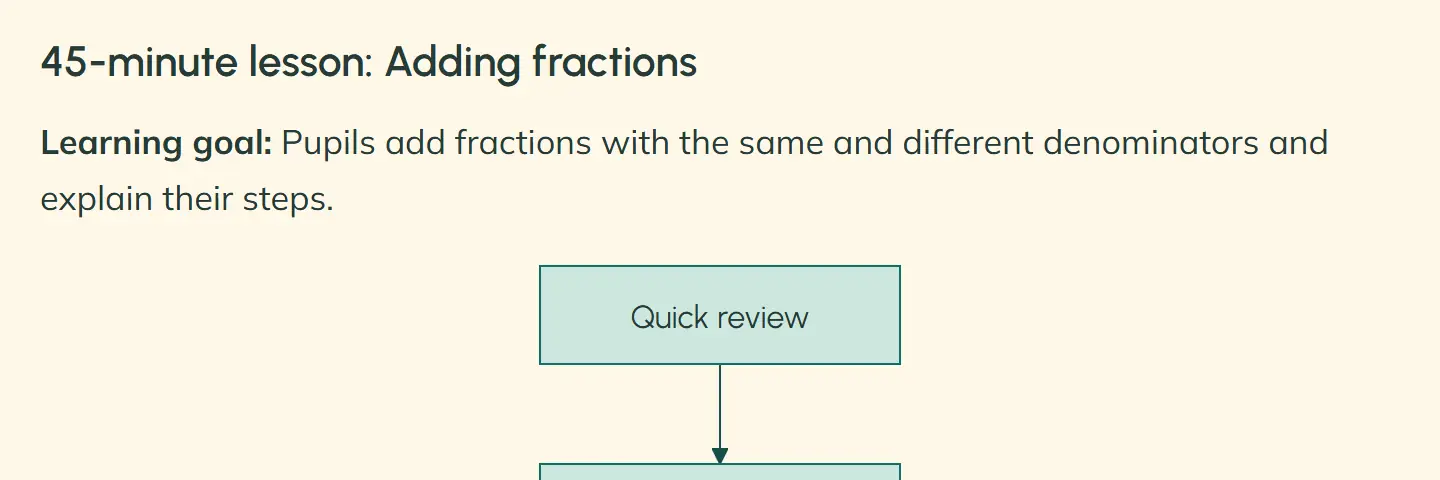
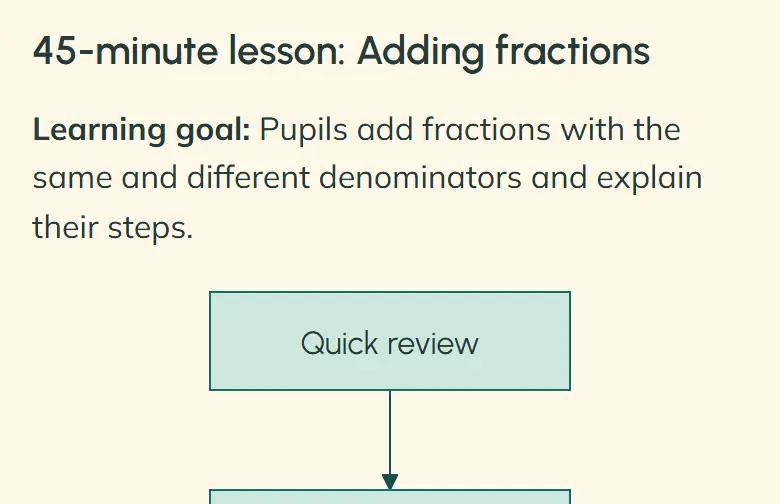
In this example, a teacher asks for a 45-minute grade 6 lesson on adding fractions and a short diagram of the lesson stages. The reply gives a goal, five timed stages in a table and a flowchart of those same stages. The question is an example; the reply is OpeAI’s own, unedited answer.
Frequently asked questions about OpeAI
What can teachers ask OpeAI for?
For example, a lesson plan, a multiple-choice quiz, a short end-of-lesson task, pair-work ideas or advice on differentiating a lesson.
What happens if a message contains a student’s personal data?
A notice below the message box reminds teachers not to enter details such as names, grades or support needs. If a message nevertheless includes a student’s name and, say, a grade, OpeAI answers the general question and leaves the personal details out of its reply.
How many messages can a teacher send to OpeAI?
Teachers can send 50 messages a day. The count resets at midnight, and the number left is shown below the message box.
Interested?
Your message goes to team@lapmin.com, and we’ll reply by email. We can then arrange a demo or a pilot.